How to Decommission a Legacy System Without Data Migration (And Why Your ECM Tool Can’t)
Your enterprise content management (ECM) platform earns its keep. It captures scanned loan files, routes invoices through approvals, holds signed contracts where auditors can find them, and keeps version history on everything your team touches. But, when it’s time to retire a legacy system and retain all information in the process, that same platform starts to feel like the wrong shape for the work.
Retiring a legacy system is a different kind of information problem, and the fork in the road appears early. Most teams frame the work as a data migration. There is another route that skips the database entirely, and it gets the project done faster and for considerably less money.
Two Ways to Retire a System
Every retirement comes down to a choice about what you move. Your industry may call this application retirement or sunsetting rather than decommissioning, but the choice underneath is the same.
The migration route moves data. You take the old database and either load it into the new production system or park it in a standalone one, then rebuild the queries and reports users need to read any of it.
The archival route moves finished information. The old system produces its reports and documents one final time, and those outputs go into a permanent archive.
The distinction is not a technicality. The two routes differ sharply in cost, and in how much institutional knowledge you need still sitting on payroll.
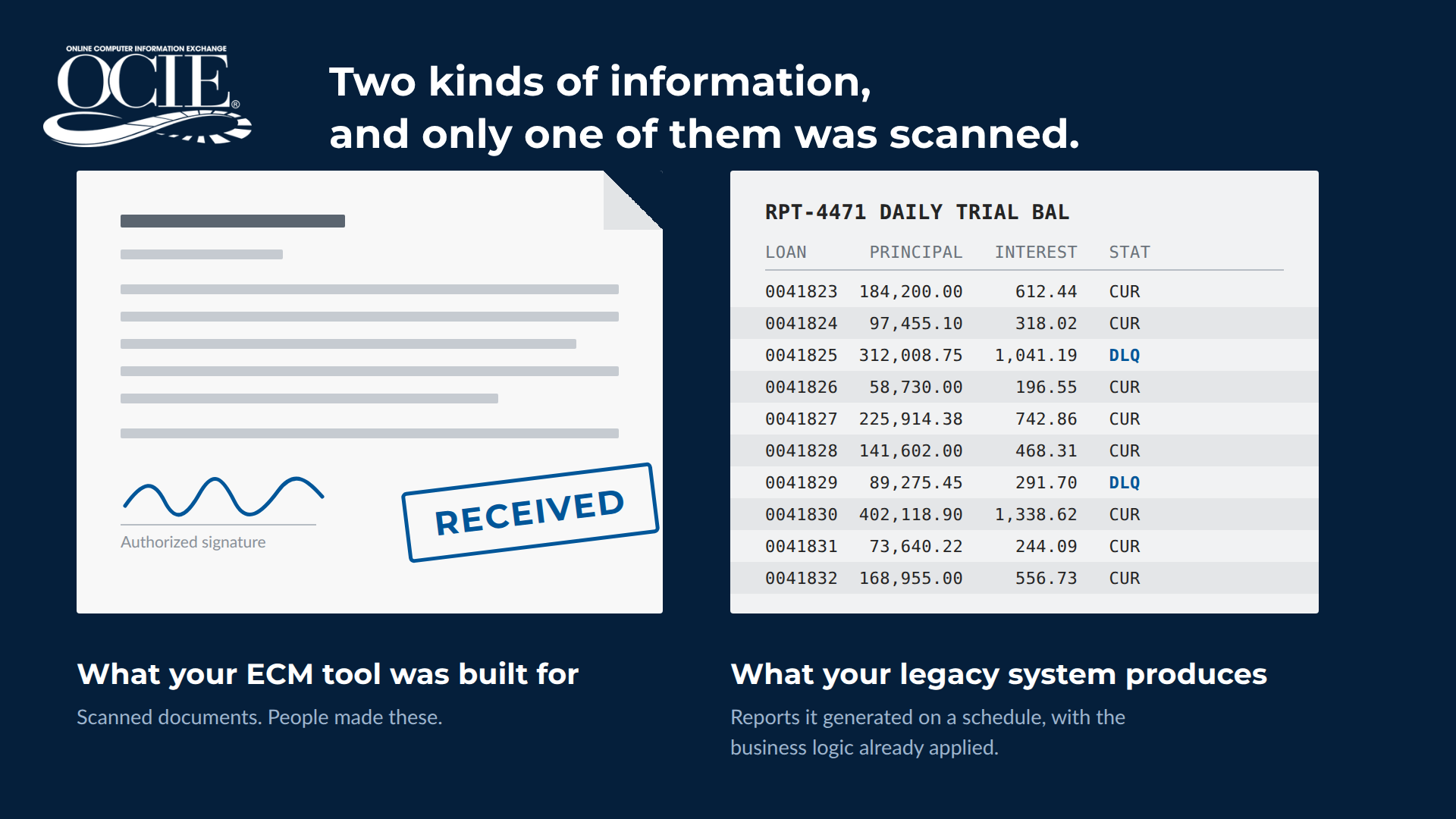
Figure 1. Two kinds of information, and only one of them was scanned.
ECM Was Built for Documents People Create
Most content management platforms grew up around human-generated documents. Someone scans a file or sends an invoice through three approvals before it lands in a repository with metadata attached. Capture, workflow, permissioning, and retrieval are the core strengths, and they are worth paying for.
A retiring legacy system produces something else entirely. Its output is machine-made: nightly batch reports, monthly statements, mainframe spool files, and computer-generated records that came off a production schedule rather than off somebody’s desk. Nobody scanned them or keyed metadata into a form. The system built them and pushed them out.
That distinction reads as academic until you try to move twenty years of it.
What Makes Legacy System Output Its Own Category
System-generated output behaves differently from the documents your ECM tool handles, in ways that shape the project:
- The business logic is already applied. Your legacy system spent years running rules against raw data before it produced a readable report, so you are archiving the finished result rather than a starting point.
- Nothing has to be photographed. A structured report carries the encoded data that tells a computer what lives where, so information can be pulled straight out of it without optical character recognition. Image-based extraction still struggles with anything past a simple form.
- Old formats age out of modern viewers. EBCDIC mainframe files, greenbar layouts, and fixed-width spool output all become readable again once a parsing layer is applied.
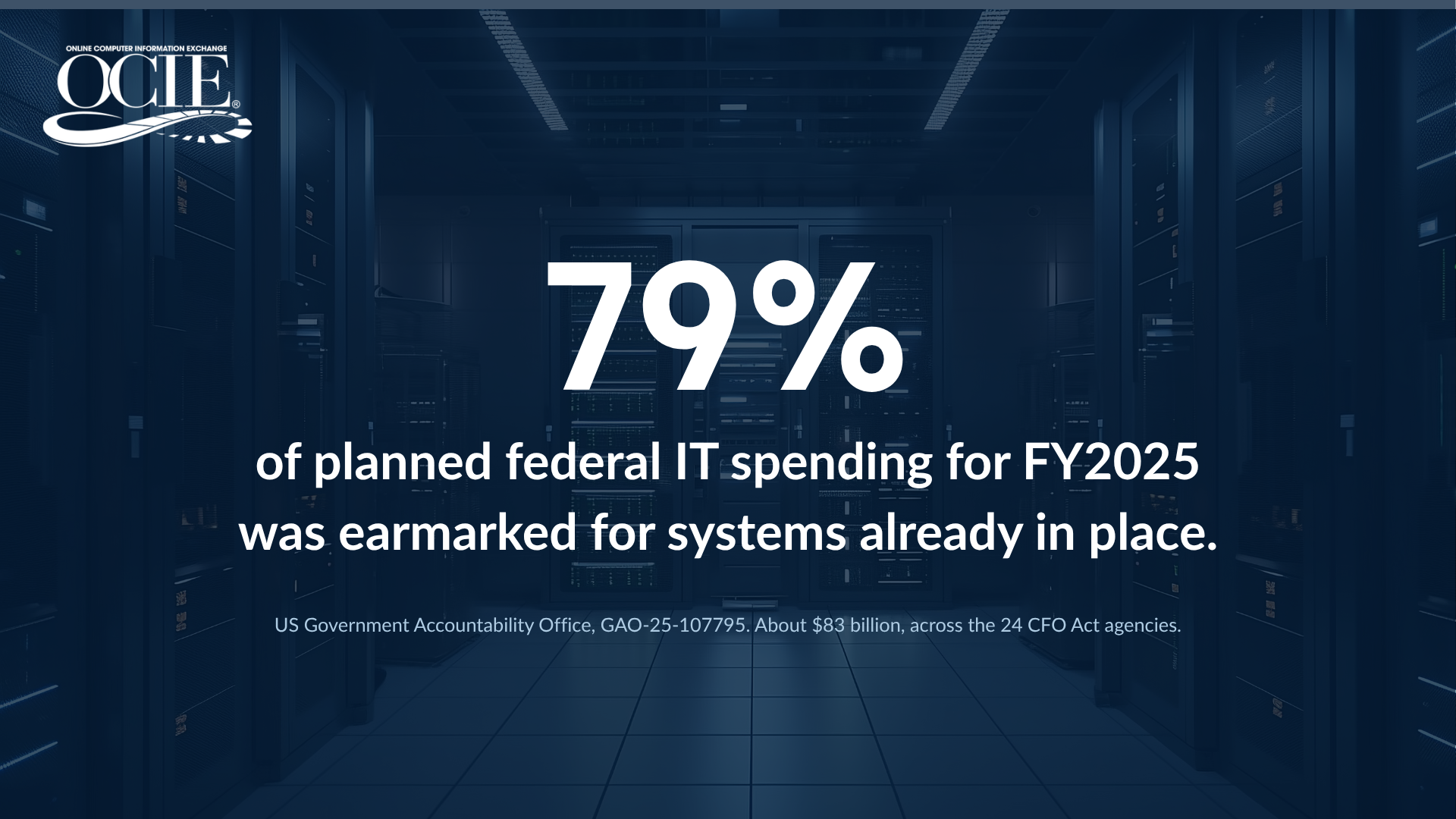
Figure 2. Where the budget actually goes.
Where the Migration Bill Adds Up
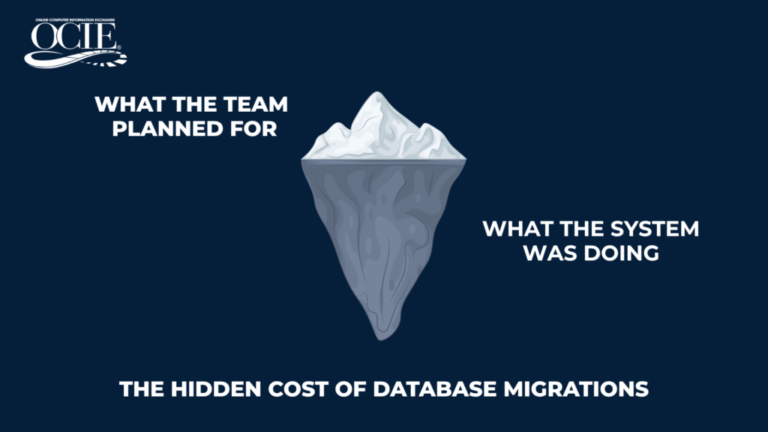
Both migration plans rest on an assumption that rarely holds: that someone still on payroll understands the old database well enough to map it accurately. Original developers move on and documentation thins out. A migration also carries the data without the business logic, so every report has to be rebuilt before a single user can read a single record.
Then comes validation. Depending on your standards, staff may need to verify anywhere from 10% to 100% of migrated data elements. The user community waits while that happens.
Meanwhile, the old system stays powered on, because access to historical records is a requirement nobody will compromise. That is where the budget goes. The U.S. Government Accountability Office reported that roughly $83 billion of planned federal IT spending for fiscal year 2025, about 79% of the total, was earmarked for operating and maintaining systems already in place (GAO-25-107795).
How to Decommission a Legacy System Without Data Migration
This route asks less of you, and it runs in a predictable order.
- Inventory the systems and what they produce. List every system slated for retirement, then the reports and documents each one generates. Teams skip this step, and it sets the scope for everything after.
- Generate the outputs one final time. The system runs its reports using the business logic it has always applied, which is the part a database migration cannot carry over.
- Capture and index everything. Outputs go into the archive and are indexed on upload, so retrieval works by date, loan number, name, or department rather than by folder path.
- Assign security and retention. Each report and document gets a permission set and a retention period, which can run indefinitely, and is stored in a read-only format nobody can alter.
- Hand users the access tools. Search, extraction, and automated delivery replace whatever the old system’s front end did, and some users never log in at all.
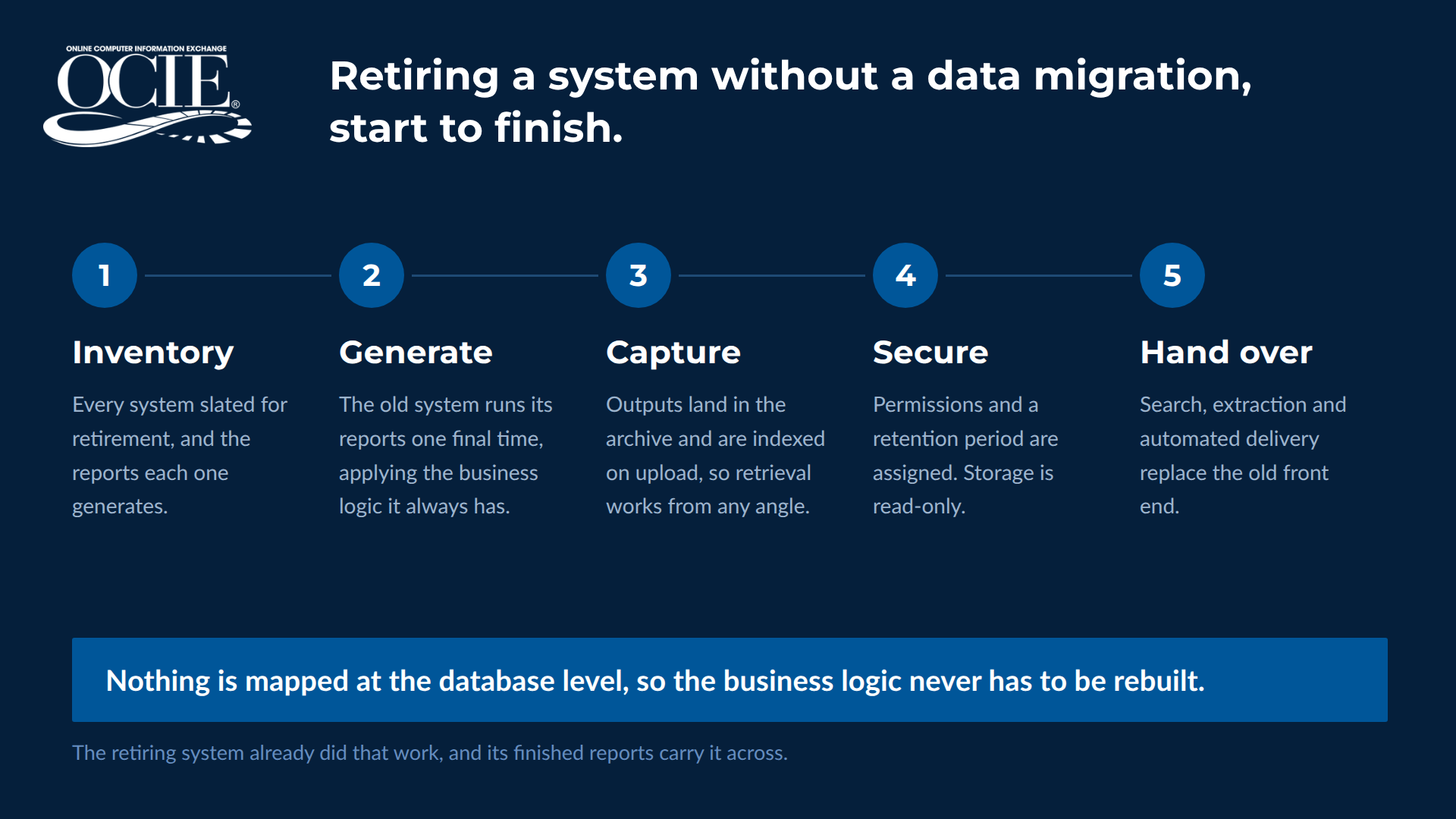
Figure 3. The five steps, start to finish.
Your users end up with something closer to a filing cabinet they can open from any angle. A report from nine years back opens in about the time it takes to open yesterday’s.
This is the thinking behind OCIE’s legacy system decommissioning approach, and it removes the two hardest requirements from the project, since there is no old database to decipher and no business logic to rebuild.
It also fits most retirements in practice. Old systems hold structured reports alongside scanned PDFs and forms, and a proper document repository treats all of it as information worth indexing rather than sorting it into separate tools.
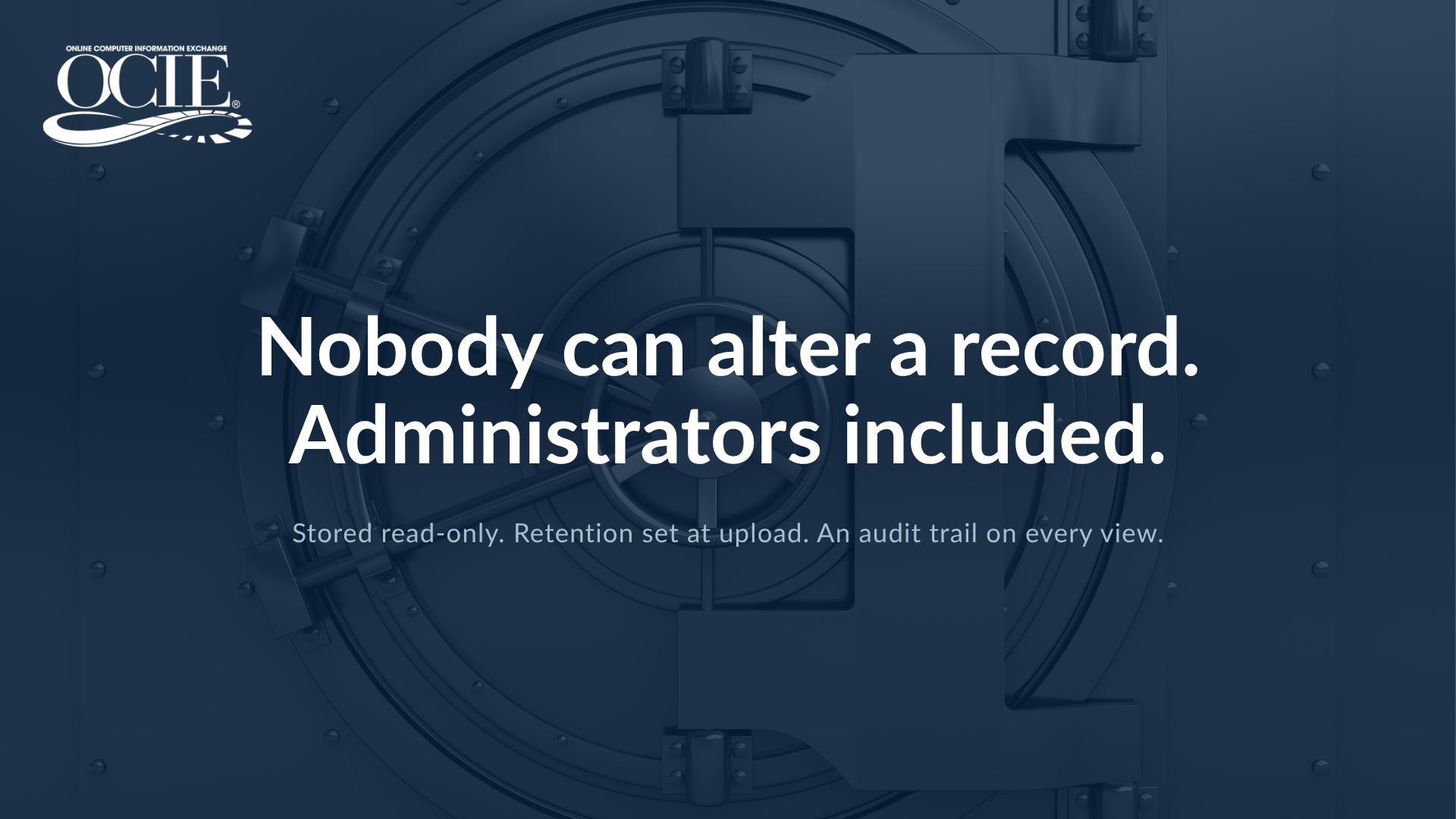
Figure 4. What the compliance review is actually asking about.
The Questions Your Compliance Team Will Ask First
Business-side approval is usually the easy half. The harder conversation happens with compliance, legal, and IT security, and it opens with a predictable set of questions.
Nobody can delete, alter, or move a record once it lands, administrators included. You set the retention period at upload, and it can run indefinitely. Permissions work at the user and report level, backed by an audit trail showing who looked at what and when. Everything moves encrypted, and backups sit on legally acceptable media.
For organizations working under HIPAA, HITECH, SOC, or federal retention requirements, that combination holds up during an exam. OCIE’s regulatory compliance solution is built around those controls, and the security review is usually where a specialized archive separates itself from a general-purpose platform.
What This Looks Like When It Works
The Naval Sea Systems Command had three travel systems to retire while moving to a Department of Defense standard platform. Travel orders and vouchers still had to be searchable for more than six years, and three departments each arrived with a different requirement. Auditors needed the original forms viewable exactly as presented. The user community needed fast lookups on the complicated queries Navy Command asked for. IT wanted the underlying data elements kept in comma-delimited format, in case anything ever had to be imported again.
All three requirements were met without a database migration. NAVSEA generated the outputs, OCIE captured and indexed them, and DataDigger models were built for the queries users ran most. NSWC Information Technology Specialist Nancy Phillips noted that her team could retrieve both the data and the original historical travel forms, which mattered for audit purposes.
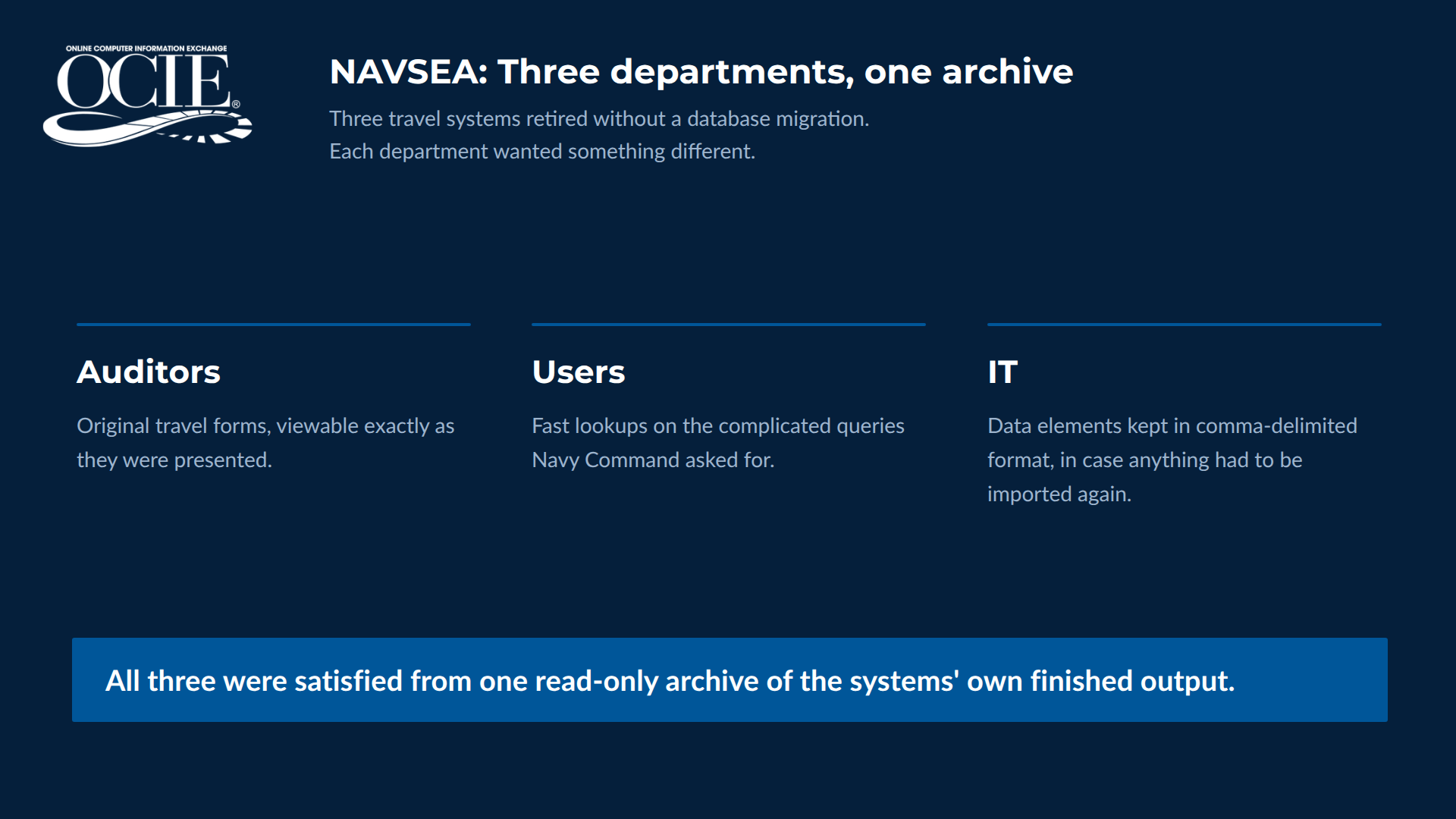
Figure 5. Three competing requirements, met from one archive.
The full NAVSEA case study has the detail.
Three Questions Worth Answering First
- What do our retiring systems produce: scanned documents, system-generated reports, or a mix of both?
- Who on staff still understands the old database, and what happens to this project if they leave?
- What does it cost us annually to keep the old system powered on for lookup purposes alone?
Most retirements turn out to be archiving projects wearing a migration costume, and they move faster once the tool matches the output your systems produce.
Frequently Asked Questions
How do you decommission a legacy system without data migration?
You capture the system’s finished reports and documents instead of its database. It generates its outputs one last time, those get indexed and stored read-only, and users work against the archive with search and extraction tools. Migration still earns its cost when historical data has to keep working inside a live system. When the requirement is lookup and audit response, archival gets there without the database mapping or the validation cycle.
Can our existing ECM platform archive legacy system reports?
It can store them as files. The gap shows up in retrieval, because general platforms are not built to parse mainframe output or mine data from inside structured reports. Reports land in the repository as unreadable blobs and the value stays locked in the file.
What is the difference between a structured report and a scanned document?
A scanned document is an image, so reading data out of it requires optical character recognition. Structured reports hold encoded character data instead, which can be read straight out with no interpretation step. Legacy system retirements are usually heavy on the second kind.
How long can archived legacy system information be stored?
As long as your retention policy requires, including permanently. With OCIE, retention periods are assigned at upload and there are no additional charges as the archive grows, which is covered in more detail on the OCIE IMS Solution page.
Does this replace our ECM platform?
Usually not. Most organizations keep their content management tool for the day-to-day document work it does well and add a specialized archive for retired systems and system-generated output.
| Talk Through Your Situation
If you have a system you would like to retire and historical records you cannot afford to lose, a short conversation will tell you a lot. We will walk through your options and whether this approach fits. Contact the OCIE team or read what long-term clients say about the work in our customer testimonials. |